
AI, automation and software for Singapore businesses
Make work flow.
Built for wealth managers, family offices, professional firms and growing SMEs
We build AI tools, automations and custom software that take the copying, chasing and re-keying out of your operations. Most projects start with the systems you already have.
Works with the tools you already use
Our approach
We start with the process, not the technology. We map who does what, where work waits and what can safely run on its own. Then we build only what earns its place, and hand it over in writing.
How we work
What we build
Six kinds of work, usually combined.
Every project starts with the process. The technology comes after.

AI Development & Integration
Business-specific AI assistants, document workflows and AI features connected to approved information and existing systems.
Learn more
Workflow Automation & RPA
Automated hand-offs, follow-ups, approvals and notifications, with exception paths and human review.
Learn more
Custom Software Development
Web applications, dashboards, internal portals and business tools designed around how your team works.
Learn more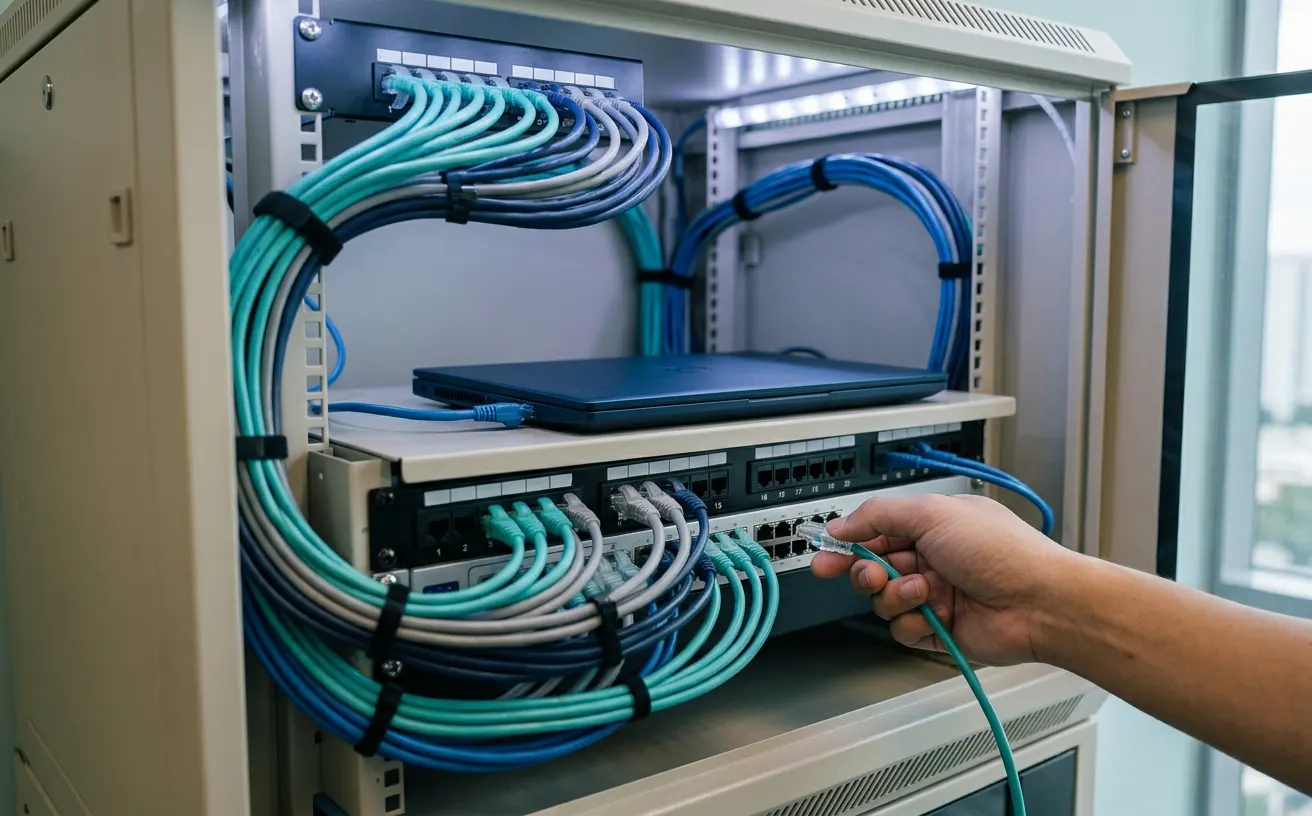
Systems Integration & APIs
Connections between CRM, email, booking, finance and operational platforms, within each system’s access options.
Learn more
Data & Reporting Solutions
Information pulled together from several sources, recurring reports automated, and dashboards for day-to-day visibility.
Learn more
Financial Services Technology
Reporting, information workflows and custom tools for wealth managers, family offices and financial-services teams.
Learn moreHow it runs
Built to run, with people in charge.
One process, end to end
Every step and hand-off sits in one workflow you can see, from the first request to the final record.
Exceptions go to a person
Anything unusual or uncertain is sent to the right person with the details attached, instead of being dropped.
Handed over, then supported
You get written documentation, a named owner on your side and an agreed support plan, including how to switch it off.
Who it helps
What changes for your team.
The same project looks different depending on where you sit.
See the work without chasing it.
When reports, approvals and client updates depend on one person remembering, the business slows down when they are away. We turn those steps into a process that runs and shows where it stands.
- Recurring reports that build on schedule
- Approvals with a named owner and a record
- Fewer tasks that only one person knows how to do

Less copying between systems.
Many operations teams spend part of every day moving the same information from one place to another. We automate the hand-offs and leave people the exceptions.
- Data moved between email, spreadsheets and your CRM
- Exceptions sent to a person instead of dropped
- Follow-ups that go out on time without a reminder list

Changes you can audit and support.
Automation should not leave behind a system nobody understands. We document what runs, what it can access and who owns it.
- Access limited to what each workflow needs
- A record of what ran and what changed, where the systems allow it
- A written handover, including how to switch it off

An example
The 11 pm spreadsheet.
Kevin copies figures from client emails into a spreadsheet after everyone else has gone home. The people stay in charge of the judgement calls. The workflow does the fetching and the formatting.
TodayBy hand
11:47 pm
- Download statements from three portals
- Copy the figures into a spreadsheet by hand
- Check totals against last month
- Paste into a template and email the report

AutomatedWith a workflow
Ready before he leaves
- Files are collected on a schedule
- Figures are read and checked against agreed rules
- Anything unusual goes to a person to review
- The report is drafted and sent once approved

Kevin is an illustrated character, and this is an illustration of a common workflow, not a client case study. What can be automated depends on the systems and access involved.
How we work
Four stages, agreed up front.
Nobody should be surprised by what gets built or who owns it afterwards.
 01
Understand the process
 02
Design the solution
 03
Build and test
 04
Deploy and hand over
- 01
Understand the process
Map the task, the people involved, the information moving through it and the points where work gets stuck.
- A working session with the people who do the task
- A walk through the systems, files and approvals involved
- Notes on volumes, exceptions and where time is lost
- 02
Design the solution
Agree the scope, systems, access, approvals, data handling, success measures and what happens when something goes wrong.
- Pick the approach: automation, integration, a custom build or nothing new
- Confirm access, data handling and who approves what
- Set the measures that will show it worked
- 03
Build and test
Develop the workflow, application or integration, then test real scenarios, exceptions and failure paths before go-live.
- Build in short steps you can see and comment on
- Test with real cases, including the awkward ones
- Check alerts, permissions and failure paths before go-live
- 04
Deploy and hand over
Document the system, clarify ownership and agree the maintenance and support model.
- Go live with a plan to roll back if needed
- Walk the people who use and own it through how it works
- Agree who maintains it and how support works
Who does what
The roles on a project.
Most projects need the same few roles: someone to find the repeat work, someone to connect the systems, and someone you can call.

Automation
Arin Tan
Finds the task your team repeats every week and turns it into one step.

Data and integration
Daniel Lim
Connects the systems that don’t talk to each other, and logs every change.

Client success
Siti Rahman
Your first call, and the check-in after go-live.

The workflow
Wally
Shows up when a task runs by itself. Never talks over people.
These are illustrated characters from our videos. They show the roles on a project. They are not photos of our staff.
Industries
Built around how your industry works.
Our first focus is wealth management. The same approach works for any team buried in hand-offs.
Many systems, many hand-offs, little room for error.
Reporting, data gathering and document processes in wealth management often involve several systems and manual steps. We build the technology around them. We do not provide investment advice or regulated financial services.
- Reporting workflows and operational dashboards
- Document intake and checks
- Custom internal tools for client and portfolio information

Less admin around every client.
Accounting, legal and advisory teams lose hours to intake forms, document chasing and scheduling. We connect those steps so the paperwork follows the client.
- Client intake that creates the records
- Document collection with reminders
- Approvals and recurring client communication

The spreadsheets between your systems, gone.
Growing businesses often run on a mix of tools held together by spreadsheets and email. We route enquiries, sync orders and build the reports managers ask for.
- Enquiry routing and supplier updates
- Orders and invoices without re-keying
- Management reporting in one place

Why Wealplan
How we keep projects under control.
Four rules we apply to every engagement, from a single automation to a full application.
Problem-first scoping
Technology is chosen after the workflow is understood.
Fit-for-purpose delivery
Use existing tools where they are enough. Build custom software where they are not.
Visible human control
Every project defines which steps are automated and where a person reviews or approves.
Clear handover
The workflow, access, assumptions and support responsibilities are written down.
In 30 seconds
Robot work, handed to a robot.
A short film about the work your best people should not be doing.
- 0:00The 11 pm spreadsheet
- 0:03Chasing documents, rebuilding the same report
- 0:14Wally takes the repeat tasks
- 0:25Your team gets back to clients
Clients
Teams we have worked with.
- SRSocial Redirect
- EEcholeads
- RTRanmedium Technologies
- RVRudra Vega AI Labs Pvt Ltd
Wealplan took processes we were running by hand across spreadsheets and email and turned them into one workflow our team trusts. Plain advice, no overselling, and it worked as agreed.
Wealplan automated the routine reporting and hand-offs across our SEO, web and social accounts, then handed it over so our own team runs it. Less copying, more time for clients.
Wealplan connected our lead sources, CRM and follow-up flows. Every enquiry now lands in the right place without anyone copying it across by hand.
Wealplan brought structure to our AI work: a clear scope, visible checkpoints and a written handover that took us from prototype to daily use.
Knowledge Centre
Guides for the next decision.
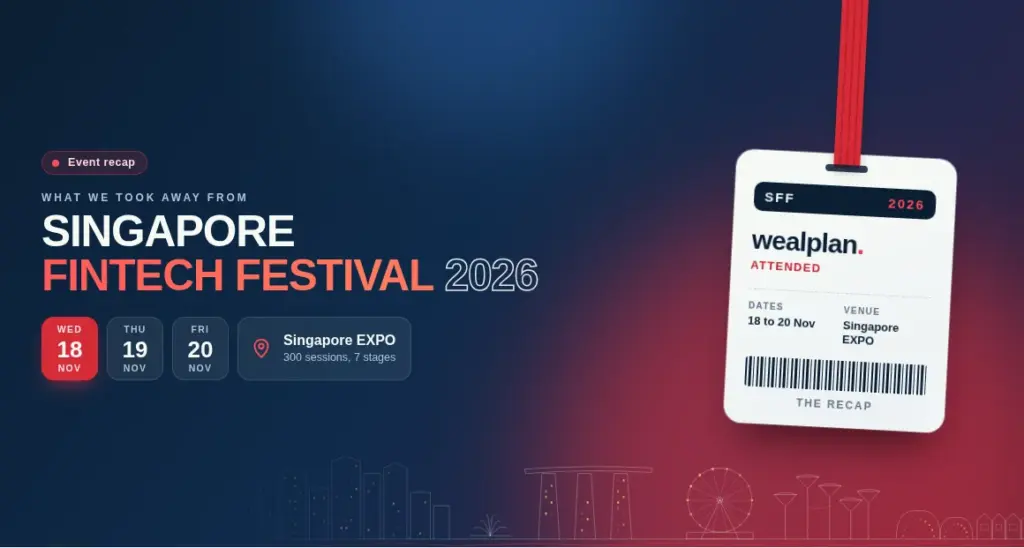 Financial Services Technology · 21 Nov 2026
SFF 2026 Recap: What the AI Missions Mean for Your Firm
Three National AI Missions, a Know-Your-Agent protocol and PayNow Gen2. What SFF 2026 announced, and five practical steps for wealth managers and SMEs.
Read the guide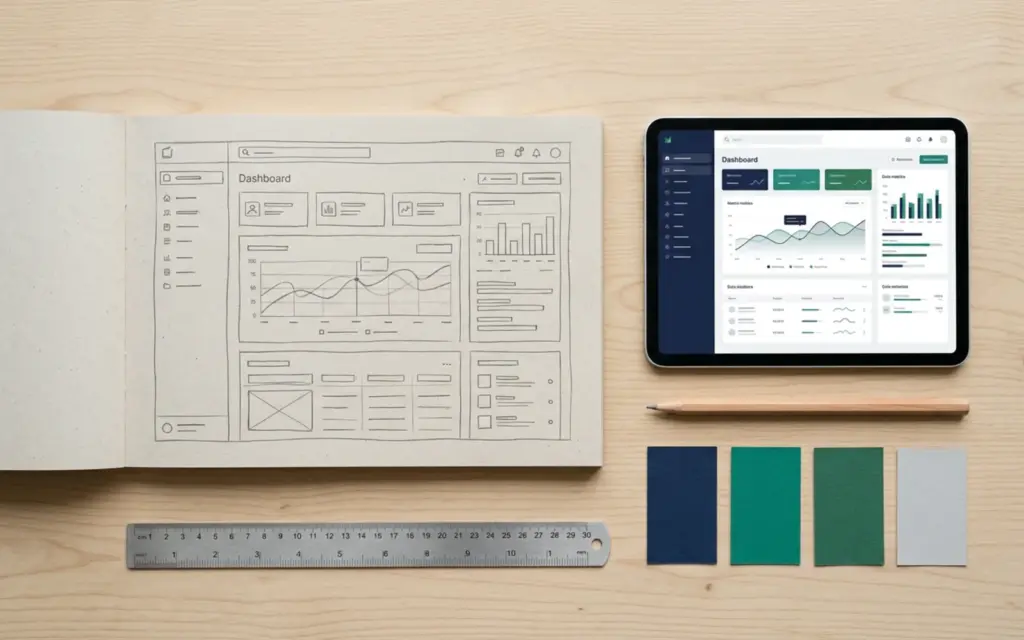 Software & Systems Integration · 15 Nov 2026
Custom Software vs Off-the-Shelf SaaS: How to Decide
When to buy SaaS, when to build custom software, and when to mix both. Decision criteria, a scoring checklist and questions to ask before you sign.
Read the guide Software & Systems Integration · 14 Nov 2026
Systems Integration in Singapore: Connecting CRM, Accounting, HR and Operations Without Double Entry
How Singapore firms can connect CRM, accounting, HR and operations tools so data is entered once, with InvoiceNow, payslip and PDPA points to plan for.
Read the guideCommon questions.
What services does Wealplan provide?
Wealplan focuses on AI development and integration, workflow automation, custom software, system integrations and data/reporting solutions.
Does Wealplan only work with wealth-management companies?
No. Wealth managers and family offices are an initial focus, but the same technology services can support professional-services firms and operations-led SMEs.
Can Wealplan automate our existing software?
The first step is to review the tools, access and business rules. Many projects connect systems already in use; custom integration depends on available APIs, permissions and vendor terms.
Does Wealplan provide financial advice?
No. Wealplan provides technology development and automation services. Financial advice, portfolio management and regulated services are outside this website’s stated offer.
How does a project start?
Start with a project discussion. Share the process, systems involved, users and the result you need. The scope and delivery approach can then be assessed.
How do you say Wealplan?
It’s said “Weel plan”.
Start here
Let’s map the work.
Tell us about the task, report or system hand-off that takes more effort than it should.
- Tell us about one process and the tools involved.
- We reply by email to confirm a time that suits you.
- Together we map it and agree a sensible first step.